
Your Benefit Payment Options
Get your payments how you want them with personalized payment options.
Get your payments how you want them with personalized payment options.

Safe and easy way to receive payments sent directly to your bank. Convenient management of funds from your personal bank account. No Fees. Receive all payments within 3 days.
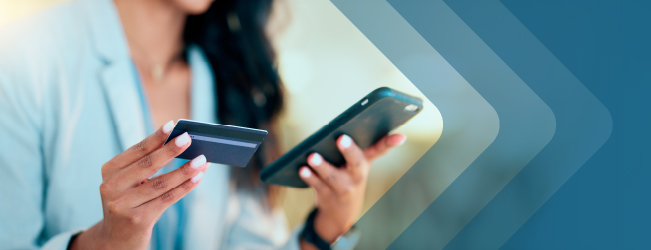
Flexible and easy to use – anywhere most major cards are accepted. No personal bank account required. No credit check. Receive first payment in 7-10 days and future payments within 2 days.
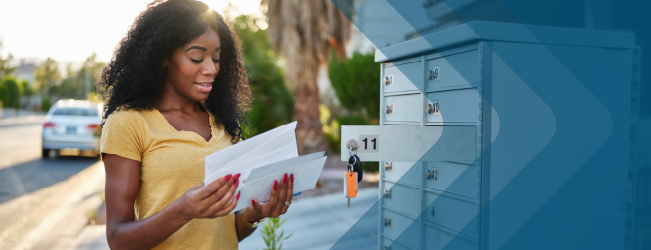
Flexibility to choose when and where to cash or deposit. No personal bank account required. Privacy and control of banking information. Receive all payments in 7-10 days by mail.
Payments are usually deposited within three days after being approved.
Note: Holidays and weekends will delay your payment until the next business day. Deposit timeframes also vary by bank. Contact your bank to get details on when deposits are made to your account.
Receive your first payment in 7-10 days, and future payments within two days after the payment is approved.
Note: Set up automatic payment transfers through your Money Network online account to receive payments in your personal bank account within 2-3 days.
All payments in 7-10 days after payment is approved.
Note: Holidays and weekends will delay your payment until the next business day.
For more helpful tips on direct deposit, watch How to Set Up Direct Deposit (Online) for Unemployment Benefits (YouTube).
For more helpful tips on direct deposit, watch How to Set Up Direct Deposit (Online) for Disability and Paid Family Leave Benefits (YouTube).
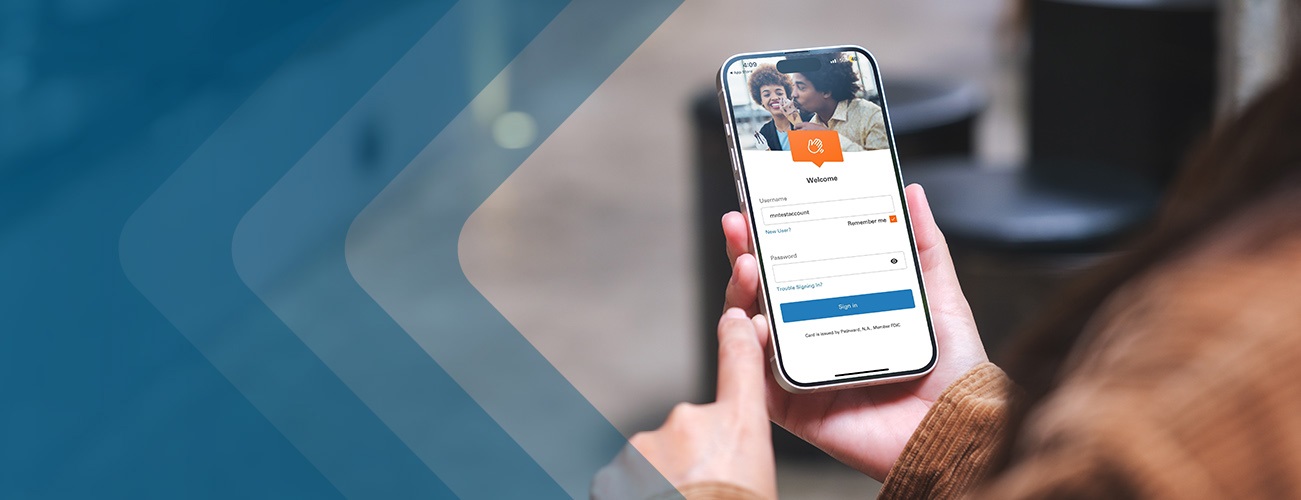
The Money Network Mobile App is a convenient and secure way to keep track of your Money Networking prepaid debit card account with options like mobile check deposit, fingerprint/touch ID and card lock features, account alerts, budgeting tools, and so much more. For a complete list of app features, visit Money Network Mobile App.
We will never ask for your personal or bank information by text message, email, or on social media. Be cautious of unsolicited requests with a sense of urgency. EDD emails and text messages only link to websites that include “edd.ca.gov”. Visit Help Fight Fraud for tips on how to avoid scams.
View the status of your payments in your myEDD account. Payment timeframes vary by payment option. Holidays and weekends will delay your payment until the next business day.
Note: If you submitted your continued claim form by mail or requested your benefit payments by check, allow 10 days for processing.
You must register and log in using myEDD to access your UI Online account.
From the UI Online homepage, select Payment Activity to see all payments made on your claim.
Your last payment issued and claim balance appear at the bottom of the homepage in the Claim Summary section. To view other payments made, select View Payment Activity to see:
To view how your payment was calculated, select Details for the week you want to view.
You can select Claim History to review your certifications by week. You can also view details on certifications that were submitted, but not paid because of excessive earnings, a disqualification, or another eligibility issue.
To learn more, watch our video: View Detailed Payment Information Using UI Online (YouTube).
Call 1-866-333-4606 and select your preferred language, then select Menu Option 1 to get information on your most recent payment. Payment information is available 24 hours a day, 7 days a week, and updated daily at 6 a.m. (Pacific time).
You must register and log in using myEDD to access your SDI Online account.
If the information provided does not help and you still need to ask a question:
Check the status of your disability payment by calling the Automated Phone Service toll-free number at 1-800-480-3287 or TTY: 1-800-563-2441. When calling the California Relay Service (711), provide the DI number (1-800-480-3287) to the operator.
You will need a Personal Identification Number (PIN) to access your information by phone. Create your PIN using the automated telephone system. Benefit payment information is available Monday through Saturday from 6 a.m. to midnight and Sunday from 6 a.m. to 9 p.m. (Pacific time).
You must register and log in using myEDD to access your SDI Online account.
Check the status of your Paid Family Leave (PFL) payment by calling the PFL Automated Phone Information System toll-free Number at 1-877-238-4373 or TTY: 1-800-445-1312. When calling via the California Relay Service (711), provide the PFL number (1-877-238-4373) to the operator.
You will need a Personal Identification Number (PIN) to access your information by phone. Create your PIN using the automated telephone system. Benefit payment information is available Monday through Saturday from 6 a.m. to 12 midnight and Sunday from 6 a.m. to 9 p.m. (Pacific time).
Check the status of your PFL payment by using Ask EDD. To submit your question about your payment, select Continue, then complete the form.
Still have questions? We've got you. Check out our benefit payment options FAQs.